Live Captions in Video Chat: A Privacy Check
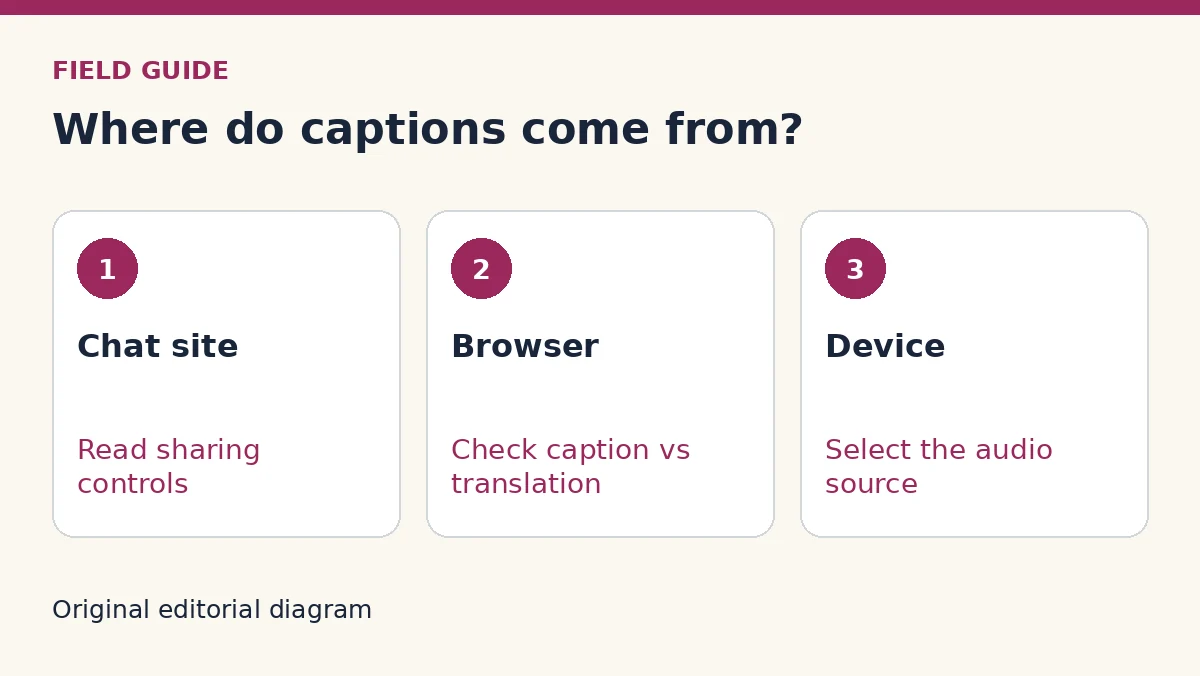
Live captions can make adult video chat easier to follow when speech is hard to hear or you need the sound low. Start by finding where the captions come from: the chat site, your browser or your device. Then test the option on neutral audio before a sensitive conversation so you know who can see the transcript and what happens if you turn on translation.
Find the caption control
A caption switch inside the room is controlled by the service. Look for details on whether captions are shared, saved or available to other participants. A browser accessibility feature is a different control. Google’s Chrome guide says that Live Caption audio and captions are processed locally for the caption feature it describes, while its translation feature can send captions to Google. Check the two controls separately.
Decide what audio the device hears
Apple’s iPhone Live Captions guide describes transcription of supported app audio or nearby speech. Check which input is selected, especially if another person is speaking in the room around you. Menu labels and availability depend on device, language and software. A quick test with a public clip and a spoken phrase near the phone can help you tell which source your chosen setting follows.
Check the view other people get
A caption box on your display can become visible if you share the entire screen, mirror it to a TV, or take a screenshot containing it. Open a neutral clip, turn captions on and inspect the share preview before accepting any screen share. Move the captions so they do not cover mute, stop or leave controls. In a shared space, close the floating box before handing over the device.
Treat mistakes as a normal part of captions
A caption can swap a name, miss speech when two people overlap, or omit a key number. For anything involving consent, payment, a time limit or another specific boundary, ask for clear confirmation by text and read it before acting. The text chat versus video chat guide explains when switching entirely to text may be the easier choice.
Close the feature when you leave
Turn off any captioning you enabled for the session. If you used a room feature, check the service’s account and transcript controls for any saved text. If you used browser translation, check that the translation toggle is off for your next session too. Take the route that offers enough accessibility while letting you understand what is visible or shared.